When you press


you see the CALCULATE menu shown below.
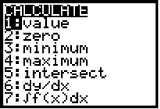
Options 1 and 2 are discussed in the
Using the CALCULATE menu - Part I and Options 3 and 4 are in
Using the CALCULATE menu - Part II. This lesson will focus on options 5:intersect. Suppose you have the equation 4x + 5 = x - 1.
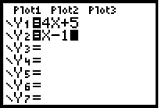
You can solve this equation by algebraic methods or use option 5 from the CALCULATE menu. To use the calculator, enter 4x + 5 in Y1 and x - 2 in Y2 and then graph. To learn more about graphing on the calculator,
click here.
The process gets more complicated when you have more than a Y1 and Y2 on your graph. In other words, when you have three or more curves on your screen, it becomes important to indicate the first and second curves when the calculator prompts you. If you need to solve a problem that involves three separate graphs, consult your calculator manual for additional instructions.
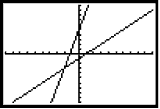

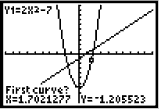
 and choosing option 5, you will see the screen below.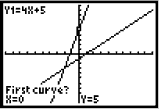
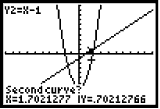
 , there will be a prompt for the second curve.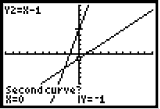
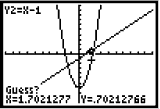
 again, the calculator wants a guess.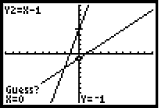
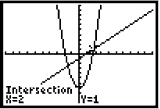
 one more time to see the answer.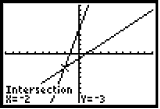
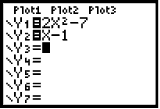
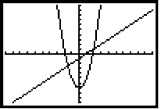

 and choose option 5, the calculator will again prompt you for a first and second curve. As in the last example, there are only 2 "curves" on your screen, but there are also two points of intersection. You will need to tell the calculator which point of intersection you want it to find by using the arrow keys to move the cursor near a point of intersection. Once you have placed the cursor near a point of intersection you can press
  three times to find the point.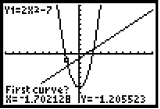
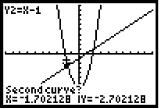
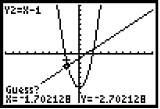
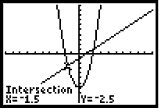

 and choose option 5. Move the cursor near the other point of intersection and press
  three times.